Creating iCal events from messages in Mail.app
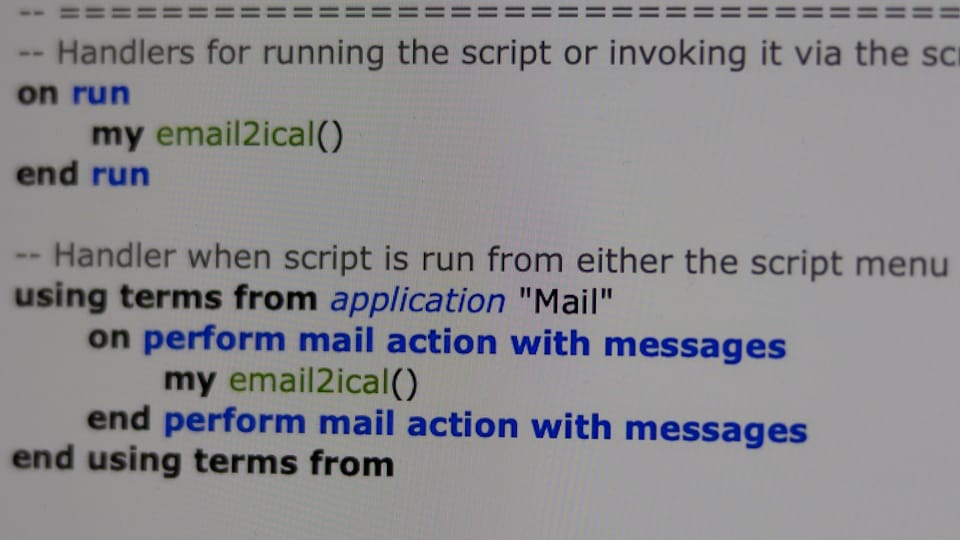
I just wrote a small bit of AppleScript that creates one iCal event for every selected email in Mail.app.
Installation
- Download the file at https://github.com/zakgreant/misc/blob/704167b2138275f8cc523241a3fbb713a435d8f3/mail2ical.scpt
- Open it in
Script Editor - Skim the comments for an overview of how the script works
- Customize the
EmailAddress2calendarandDefaultCalendarproperties, setting the values to your own email addresses and calendar names. - Export as
email2ical.app
Use
email2ical creates one iCal event for every selected email message in Mail.app. The summary of the event will be taken from the subject of the email message, while the description of the event will be taken from the body of the message.
Each event is created EventOffset after the current date and time (rounded down to the current hour) and lasts for EventDuration.
Event alarms are created at AlarmOne and AlarmTwo minutes before or after the event (use negative integers for an alarm before the event starts).
If entries in EmailAddress2calendar can be matched to one of the email addresses the message was delivered to, then the event will be created in the corresponding calendar. Note: Partial matches are valid. Set DefaultCalendar to a reasonable value that can be used if an address is not found in EmailAddress2calendar.